
FM27 has no Steam Deck Verified or Playable rating. What the official specs say, how the Windows build runs through Proton, and the settings that help.
FM27 Steam Deck (2026): Verified Status and Settings
Quick answer: Football Manager 27 does not show a Steam Deck Verified or Playable rating on its Steam page, and there is no native Linux build. The Windows version can run through Proton, but that is an unsupported configuration. The interface, the 3D match and a large database are the three things that make the Deck struggle, not the 20GB install size.
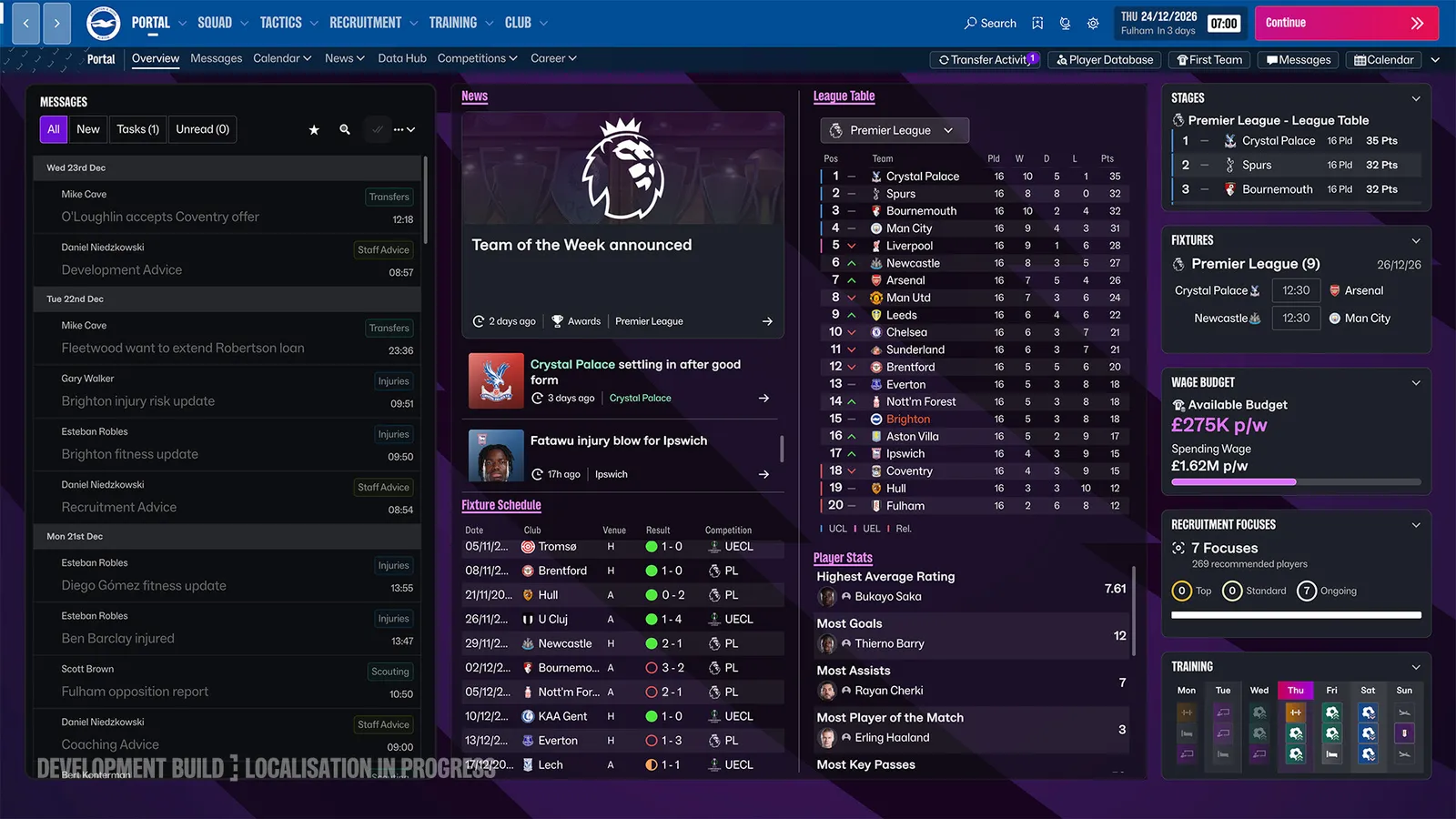
The official status: no Deck rating
Valve assigns Steam Deck compatibility badges after testing a build. FM27's store page lists Windows and Mac as supported systems, and the page does not display a Verified or Playable badge. That means there is no Valve-tested controller layout, no confirmed text legibility result and no performance guarantee.
This is different from "the game does not work". Many unsupported games run well through Proton. It means nobody at Valve has signed off on the experience, and Sports Interactive has not shipped a Deck-specific build.
The Steam page guide tracks the store listing, and the system requirements page compares the official PC tiers with handheld hardware.
Proton compatibility changes with every SteamOS and Proton update. A build that runs today can regress after an update, and neither Valve nor Sports Interactive owes you a fix for an unsupported configuration.
What the official specs say
| Tier | RAM | GPU | Storage |
|---|---|---|---|
| Minimum | 6 GB | GTX 960 / R9 380 / Intel HD 530 | 20 GB |
| Recommended | 12 GB | RTX 2060 / RX 5600 XT | 20 GB |
The Steam Deck has 16GB of shared memory and an AMD APU whose graphics performance sits well below the desktop recommended tier. Shared memory also means the game and the GPU compete for the same pool, so the 16GB figure is not equivalent to 16GB of dedicated system RAM.
The recommended tier is not a Deck target. It is a desktop target for the 3D match and a normal database. Expect to run below it.
What should run well
The parts of FM27 that are mostly text and menus are the best fit for the Deck:
- The 2D match engine, which is lighter than the 3D view and easier to read on a small screen.
- Squad, tactics and transfer screens, provided you use the trackpads and increase the text size.
- Steam Cloud saves, so you can move a career between the Deck and a desktop.
- Save Anytime and Playable without Timed Input, both listed as official features.
- Full controller support, which means the default bindings are designed to work without a mouse and keyboard.
The 2D engine is the single biggest performance win. If the 3D match stutters, switch to 2D before you touch anything else.
What will struggle
The 3D match engine. It is the most demanding part of the game, and the launch build is still being optimised. A handheld APU running it at 1280x800 will be at the bottom of the settings ladder.
Large databases. The match engine is GPU-bound; the database is CPU-bound. A 100,000-player database with many active leagues will slow every advance, and the Deck's CPU is a low-power part.
Text entry and negotiations. Full controller support does not make typing a transfer offer pleasant. The on-screen keyboard covers a large part of a 7-inch screen.
Small text. FM27 has an Adjustable Text Size option, but some panels are dense even at the largest setting. The Switch 2 comparison makes the same point about handheld management games.
Settings that actually help
Start here before you judge the experience:
- Use the 2D match engine. It is the difference between a playable match day and a slideshow.
- Set the resolution to 1280x800 native. Do not render above the panel and downscale.
- Cap the frame rate at 30 or 40. A stable cap feels better than an unstable 60.
- Use a small or medium database. One or two playable leagues is enough for a handheld career.
- Increase text size to 110–125%. Check that the squad table still fits.
- Disable unnecessary post-processing. Lower shadows and crowd detail first.
- Keep the game installed on the internal SSD. The 20GB install is not large, but loading from a slow SD card adds delays.
If the game crashes on launch, try a specific Proton version rather than "Experimental". Community compatibility sites track which version works, but those reports are not official support.
Controller and trackpad tips
The Deck's trackpads are the reason FM is usable on the device. Map the right trackpad to the mouse and the right trigger to left-click, then keep the left stick for scrolling. The back buttons are useful for Continue and for opening the tactics screen.
Do not expect the default gamepad layout to cover every screen. FM27 supports controllers, but the interface was designed around a mouse first. Plan to spend ten minutes customising the layout before starting a career.
Is FM27 worth playing on Deck?
It depends on what you want from the game. For a lower-league career with a small database, the 2D engine and a custom trackpad layout, the Deck is a genuinely useful way to play. For a 3D match with a large database and frequent transfer negotiations, a laptop or a Windows handheld is a better fit.
The honest verdict: unsupported but usable, with compromises. Wait for a Valve rating if you want a guaranteed experience. Buy on Steam if you already own a Deck and accept that you are running an untested configuration.
About FM27 (2026)
Football Manager 27 is developed by Sports Interactive and published by SEGA. It releases on Windows and Mac on 10 November 2026 at $59.99 / £49.99 / €59.99, with a 10% pre-purchase discount until launch. There is no native Linux or SteamOS build.
The Steam store page lists the official platforms and features. Valve's Steam Deck page explains how Verified and Playable ratings work, and the Football Manager site carries the studio's own platform announcements.
Official source: FM27 on Steam
FAQ
Is FM27 Steam Deck Verified? No Verified or Playable badge is shown on the Steam page. The game is not officially rated for Deck.
Can the Steam Deck run FM27? It can run the Windows build through Proton, but it is unsupported. The 2D engine and a small database give the best results.
Does FM27 have a native Linux build? No. The official platforms are Windows and Mac, so the Deck relies on Proton.
How big is the FM27 install on Deck? 20GB, according to the Steam listing. Internal storage is faster than an SD card.
Does FM27 support controllers? Yes. Steam lists full controller support, and the Deck's trackpads fill the gaps.
Should I wait for a Deck rating? If you want a guaranteed experience, yes. If you accept unsupported performance and want a portable 2D career, it is usable now.
[!next] Hardware Guides
- Steam Version: Store listing and preview details.
- System Requirements: Full PC and Mac tiers.
- Switch 2: Why there is no Nintendo version.
More Football Manager 27 Guides
The FM27 senior shortlist by position: the players who win matches now, the roles they suit and the ones the match engine has passed by.
Three FM27 tactics that hold up in the 2026/27 match engine, with full roles, duties, instructions and the squads each one suits.
There is no FM27 beta this year. The Launch Preview replaces it: free from 29 October to 3 November, with saves that carry into release.
FM27 board requests cover budgets, facilities, staff and affiliates. Here is what the board weighs, when to ask and why some requests are wasted.
The best FM27 wonderkids outside the big-five leagues, sorted by wage tier, with the clubs that sell and the ones that do not.
FM27 Console is out on PS5 and Xbox Series X|S. Here is how it differs from the PC version, what Game Pass Ultimate includes, and what is still unconfirmed.
FM27 contracts still revolve around wages, clauses and agent fees. Here is how to read the deal sheet, time a renewal and avoid a wage-bill disaster.
The FM27 Demo is free on Steam and gives you six in-game months. Here is how it works, what carries into the full game and what it does not include.